Focus On Income Strategy.
Automate the Rest

CLI tool that syncs your brokerage trades to spreadsheets automatically.
One-time Purchase. Lifetime license.

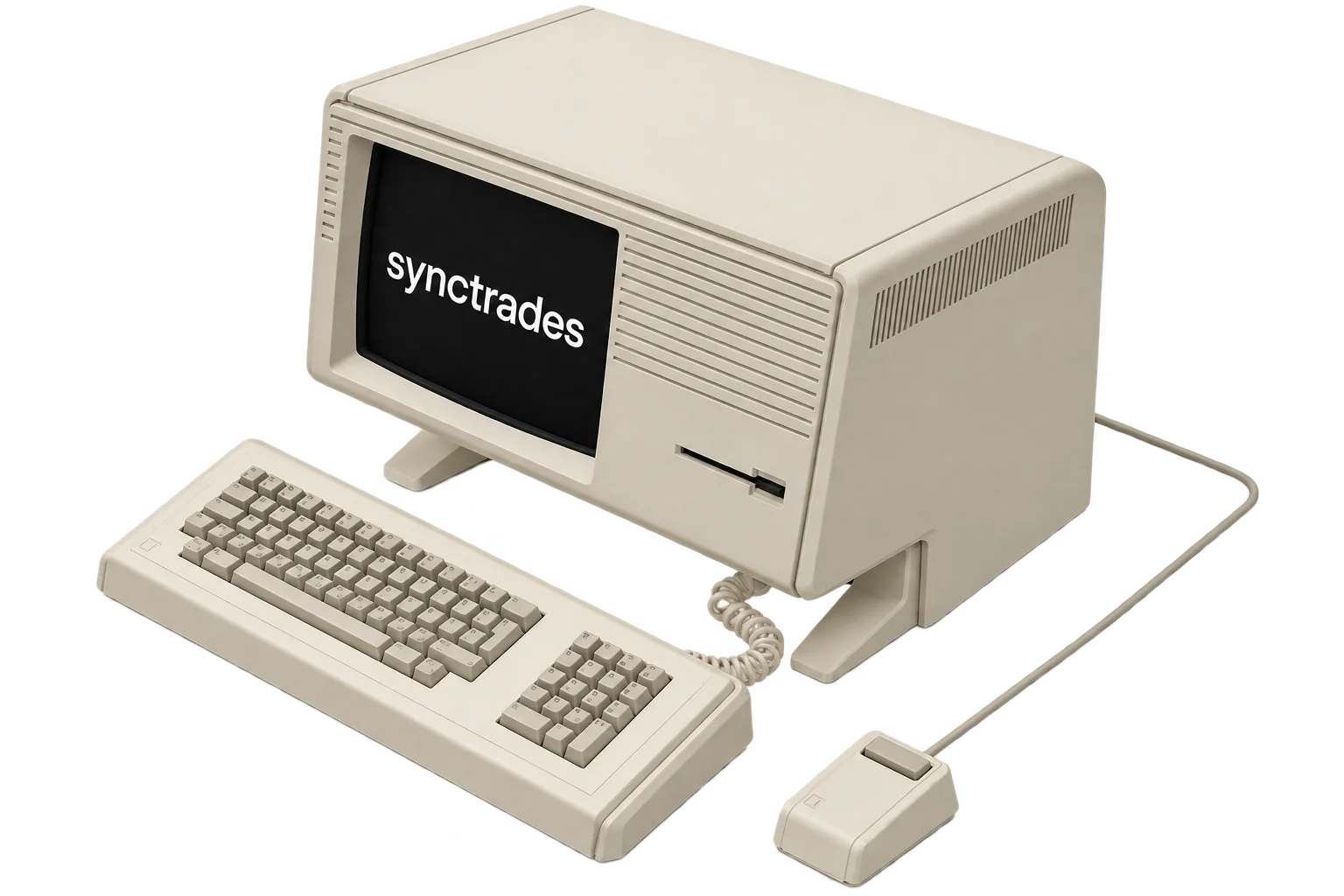
synctrades running on a desktop computer

To Get Started

A computer running synctrades A license key Schwab
1

Download the app

Download App
2

Get your license key

Get License
3

Connect your accounts

Authorize your Schwab and Google Sheets accounts. Takes 2 minutes. You stay in control.

4

Sync and analyze

Pull your trades once or run anytime. New trades are added, nothing gets duplicated.

Answer Your Questions

Is my data safe? What happens to my credentials? ↓
Completely safe. Everything runs on your machine. Your Schwab and Google credentials are stored locally in encrypted form and never sent to our servers. We don't see your trades, API keys, or spreadsheet IDs. The tool connects directly to Schwab and Google using your own app credentials.
Which brokers are supported? ↓
Currently Schwab is fully supported. If you'd like to see another broker added, let us know — demand helps prioritize.
Do I need to set up anything special with Schwab or Google? ↓
Yes, one-time setup for each:

Schwab: You'll create your own developer app in the Schwab Developer Console (free) and use your app credentials. This gives you full control and means you're not sharing access with us.

Google Sheets: You'll create a Google service account key and share your sheet with it. Google walks you through both steps. Once done, syncing is automatic.

We have guides for both — just follow the prompts.
Can I use one license on multiple computers? ↓
One license per purchase. If you need the tool on multiple machines (e.g., work laptop + home desktop), you'll need separate licenses. We're considering multi-machine licensing — feedback welcome.
How often do I need to sync? Is it automatic? ↓
You control it. The tool doesn't run automatically in the background. You run `synctrades sync` whenever you want — daily, weekly, or monthly. It pulls new trades and adds them to your sheet. Running it again later won't duplicate trades — only new ones are added.
What if I lose my license key or need a refund? ↓
Lost your key? Email us with your purchase details and we'll resend it. Refunds are available within 14 days of purchase if you're not satisfied — just reach out to support.
Is the code open source? ↓
The source is publicly available. It's on GitHub so you can audit it and understand exactly what it does. It's not under an open-source license though — it's proprietary and all-rights-reserved, so you can inspect every line but can't redistribute or resell it without permission. We believe transparency builds trust.